
Every coach knows the Friday-night scramble. You posted “who’s in for Saturday?” on Monday. Six people replied. Three thumbs-upped. One replied to the wrong message. And now it’s 9pm and you still don’t know if you have enough players.
Why group chats fail at availability
- Replies get buried under other messages.
- A thumbs-up could mean “yes” or “seen.”
- Nobody can see the total at a glance.
- Late changes get lost.
What a player availability app does differently
One question per game. Each fixture has its own availability — in, out or maybe.
Totals at a glance. You see how many are in, how many are out, and who hasn’t answered.
Parents answer for kids. For junior teams, parents mark availability on behalf of their child.
Changes are visible. If someone pulls out on Friday, the count updates.
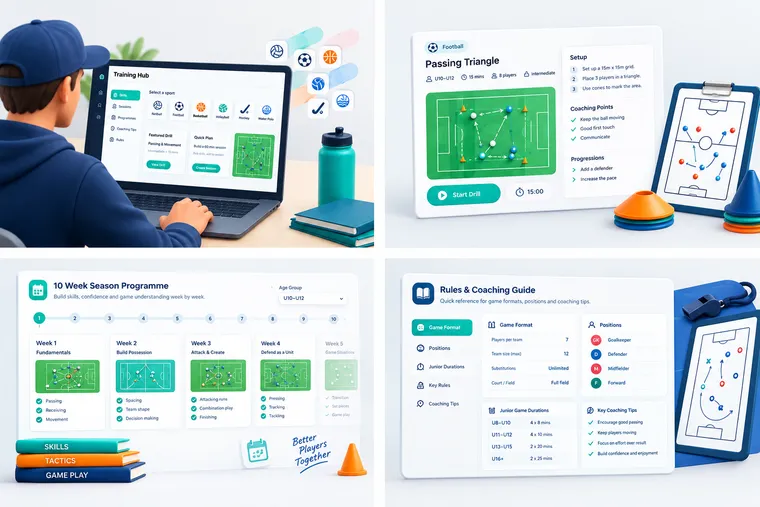
A simple availability routine
- Monday: fixture confirmed in the app.
- Wednesday: availability deadline.
- Thursday: follow up only with the people who haven’t answered.
- Friday: lineup built from confirmed players.
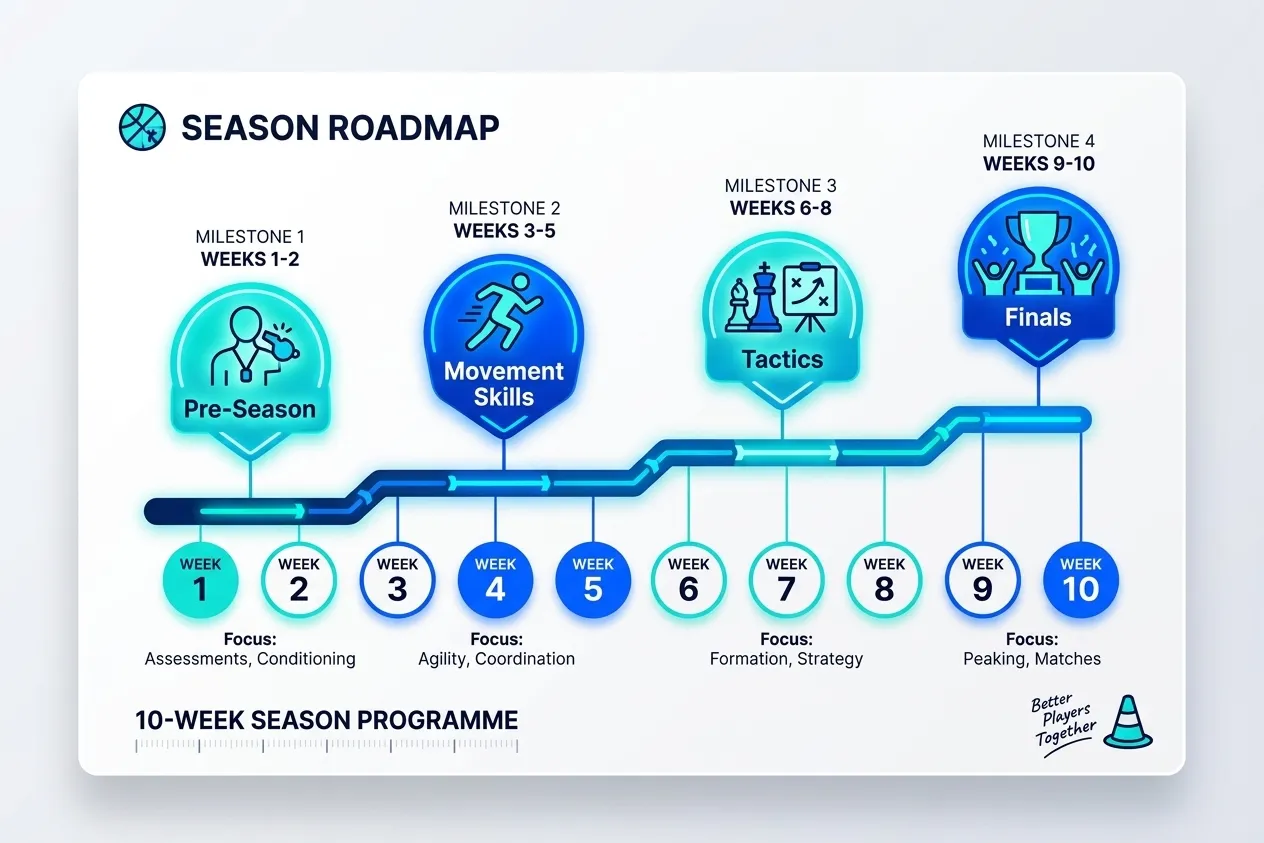
From availability to lineup
In Squaddie, availability flows straight into lineups. Once you know who’s coming, the app generates a fair lineup from those players. No re-typing names, no guessing.
Set up availability for your team free at squaddie.app.