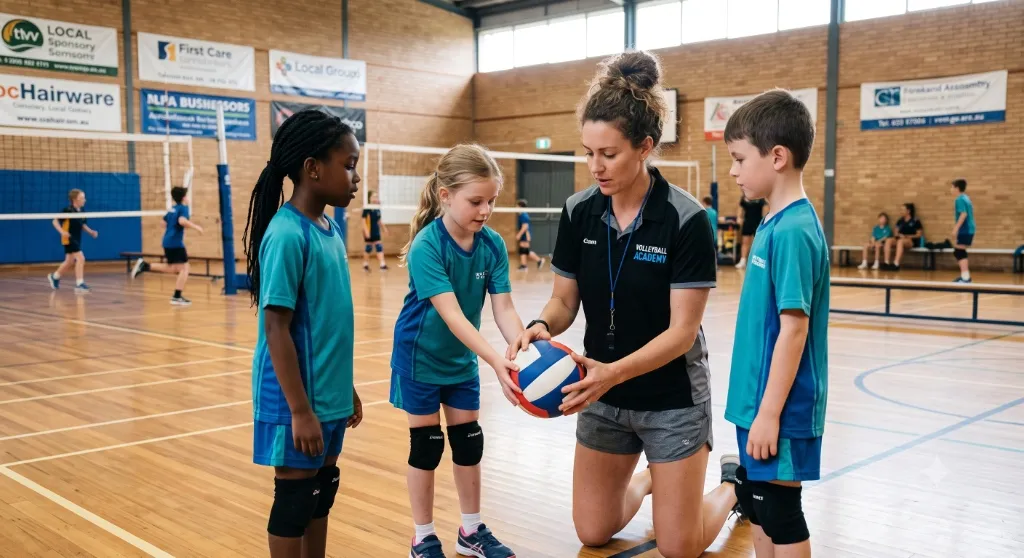
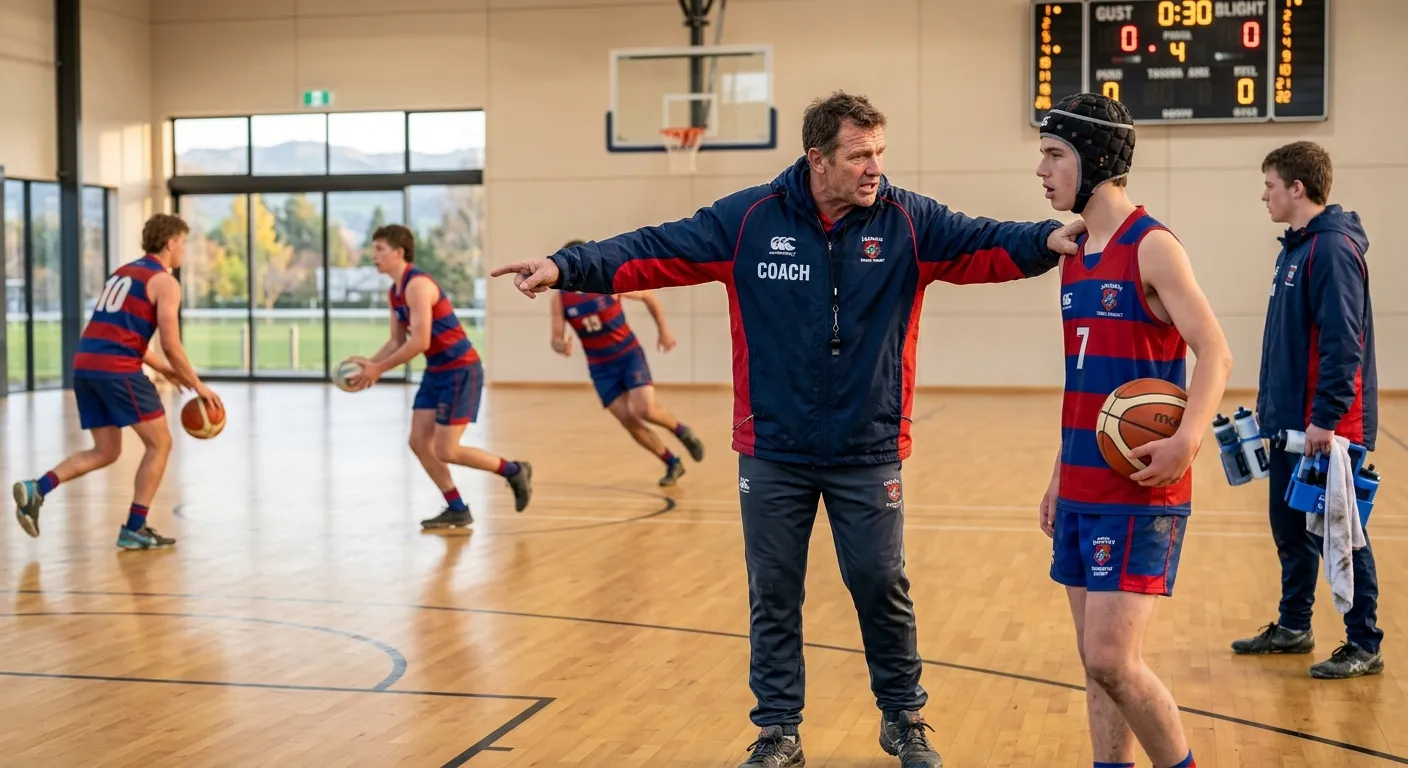
A coaching app for the Thursday night before the game
Most coaching apps are built for the organisation. Squaddie is built for the person who got handed a team list in February and has been working it out ever since.
Free forever for your first team · No credit card
What does a sports coaching app do?
That distinction matters more than it sounds. A registration and draws platform is genuinely useful to a club secretary and almost useless at 6pm on a Thursday when you are trying to work out a training plan for eleven eight-year-olds.
How Squaddie fits a normal week
Check who is available
Availability comes in before you plan anything, so the lineup you build is for the squad you will actually have.
Plan training
Session plans and drills for your sport and age group, with objectives, setup, equipment and coaching points — so you are adapting a plan rather than inventing one. Available with a Squaddie account.
Pick the team
Choose between a fair selection and a performance selection explicitly, rather than letting it happen by default. How to select a junior team fairly covers the thinking.
Build the lineup
Assign players to positions for each quarter, half or set, using your grade's real format. Players owed game time are surfaced first.
Manage the game
Work through rotations on your phone on the sideline, marking who actually played rather than reconstructing it later.
Let it accumulate
Playing time, positions and appearances build up over the season, which is what makes next week's decision easy and the parent conversation short.
What you get
Fair lineup builder
Position-by-position lineups for every period, with playing time visible while you build.
Rotation tracking
A record of who played which position in which period, not a guess after the fact.
Playing-time totals
Season-long per-player totals — the number that answers the parent question.
Training library
Drills, session plans and season programmes by sport and age group, from Year 1–2 through to senior.
Rules reference
Formats, positions and timings for each sport, free and open to everyone at <a href="/learn/netball/rules">/learn</a>.
On your phone
The sideline is the place this has to work. Squaddie runs on iOS, Android and the web.
For volunteer coaches specifically
Roughly speaking, the person coaching a junior team did not choose to be a sports administrator. They said yes because someone had to, they have between one and three hours a week for it, and they are doing it alongside a job.
That shapes what is worth building. Setup has to be minutes, not an evening. The default has to be sensible so you never have to configure anything. And the app has to be genuinely useful on the first Saturday, not after you have populated it properly.
If you are in your first season, coaching a junior team for the first time is a more useful starting point than any feature list.
Common questions
Is Squaddie free for coaches?
Yes — your first team is free forever, with no credit card and no trial period. That covers most volunteer coaches. If you coach several teams, or you are a school or club needing oversight across many, see <a href="/pricing">pricing</a>.
What is the difference between a coaching app and a team management app?
In practice the terms overlap, but the emphasis differs. Team management leans towards the roster, the draw and communication; coaching leans towards training, selection and in-game decisions. Squaddie does both, and leads with the coaching side — see <a href="/sports-team-management">sports team management</a> for that half.
Do I need to be good with technology?
No. The intended standard is that you can add a squad and build a lineup without instructions. If something needs explaining, that is a problem with the app rather than with you — the contact form goes to a real person.
Can I use it for more than one sport?
Yes. Plenty of coaches run a netball team in the winter and a touch or volleyball side in the summer. Each team carries its own sport, format and positions.
Does it work without internet at the field?
The free tools at <a href="/tools">/tools</a> work entirely offline once loaded. The full app needs a connection to sync, though it holds an in-progress lineup locally so patchy coverage at a field does not lose your work.
Start here
Fair playing time
What fair actually means when the numbers do not divide evenly.
Player rotations
How to plan a rotation before the game instead of improvising it during.
Netball rotation generator
Try the fairness logic now, with no account.
Training Hub
Drills, session plans and season programmes by sport and age group.
Get your Thursday night back.
Add your team, build a lineup, and see what a season of playing-time data actually looks like.
Get started freeFree forever for your first team · No credit card